Preface
- Due to eye conditions, I started seeking a special display mode with white text on a black background (Dark mode or night mode).
- I believe it puts less strain on the eyes, making long working hours less tiring.
- Some research: Effects of Dark Mode on Visual Fatigue and Acuity in Optical See-Through Head-Mounted Displays
- Improves Visual Acuity
- Reduces Visual Fatigue
- Improves Usability and Preference in Dark Environments
- Some also believe that Dark mode makes content harder to read, thus increasing the strain on the eyes.
- It is recommended to consider one's own condition; there are also practices of automatically switching based on sunrise and sunset times.
Direction
Operable Targets
- Monitors:
- Some monitors have built-in grayscale or e-paper modes; it's not white text on black, but it's an option to consider.
- Purchasing an E-ink monitor directly, but screen refresh rates and high costs are issues.
- Operating Systems:
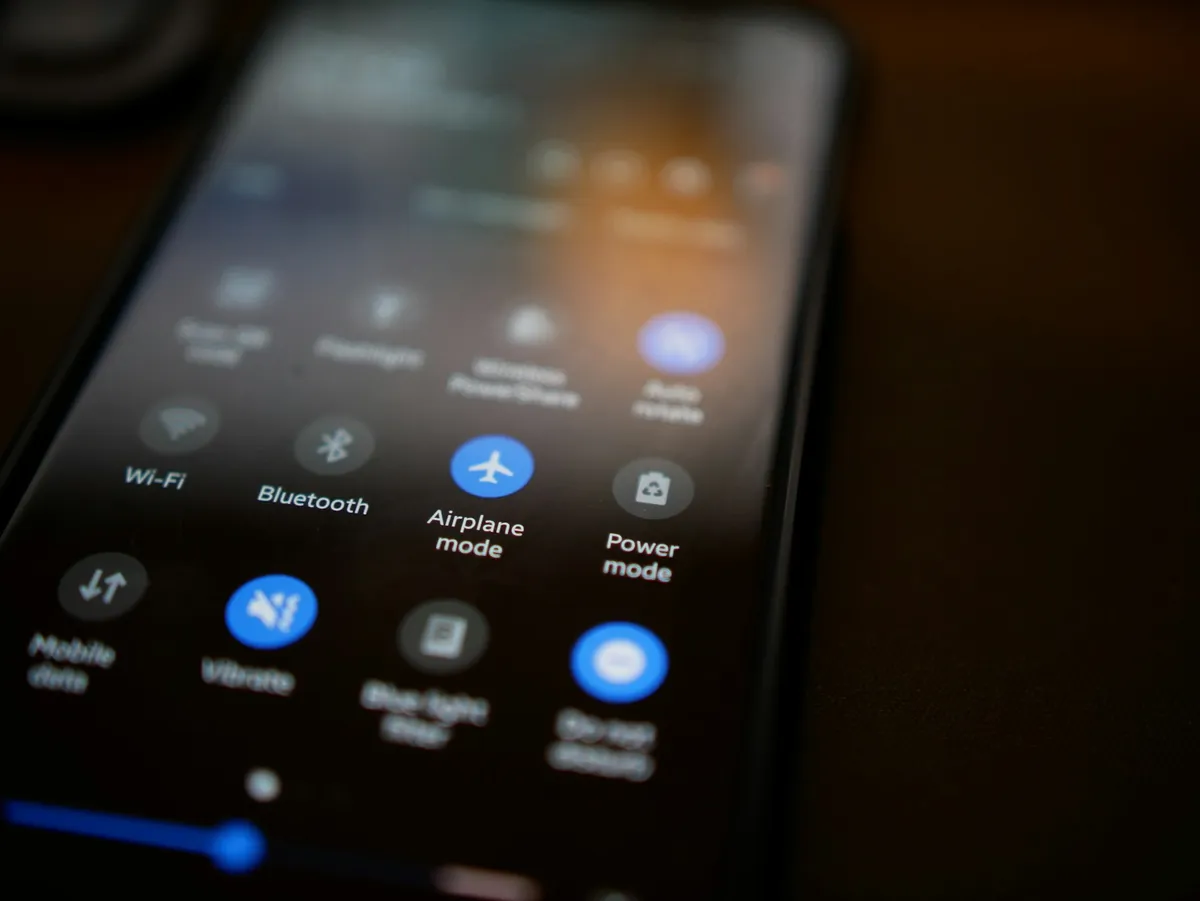
- Native dark UI system themes are provided by various OS vendors including iOS and Android, though older versions might not support them.
- Accessibility features: High contrast themes in Windows, invert colors in the Apple ecosystem, which forcefully inverts everything to black and white but might affect application display, so use with caution.
- Software:
- Software on computers or apps on phones: Some have built-in Dark mode, which will either detect the system theme to switch automatically or require the user to enable it manually.
- The impact is limited to the interface or document content.
- Code editors: Generally support Dark mode and have different themes to switch between. If they don't provide it, please abandon them 😛.
- Office Word as an example: Initially provided Dark mode for the interface only, while the document itself remained glaringly white. Later newer versions began to provide document viewing and editing with white text on a black background.
- PDF viewing software: For example, PDF Expert provides Sepia and Night themes, which can be applied to the PDF document itself for a more comfortable reading experience.
- Websites:
- CSS Media query standard supports detecting whether Dark mode is enabled in the system theme.
- Well-known websites also provide Dark mode toggles, such as Facebook, Twitter, Google Search...
- Not all websites provide Dark mode. Extensions can directly override styles to force white text on a black background.
- Apply to all websites: Such as Dark reader, night eye, noir...
- Stylish for custom website CSS; advanced users can fine-tune individual website displays.
Conversion Process
- Turn on the operating system's own Dark theme; typically, supported software, apps, and web pages will adapt accordingly.
- For those that do not adapt, you can look through the software's settings or use Google keywords: software name + Dark or night mode to search further.
- For instance, with the Zotero reference manager, I found an extension written by someone through a Google search to apply Dark mode.
- Windows Task Manager began supporting it after Windows 11 version 22H2.
- Some e-books on Kindle do not support Dark mode, so the only option is to enable system-wide invert colors.
Complete all tasks via the command-line interface; vim is the daily code editor, GUI get out of the way